

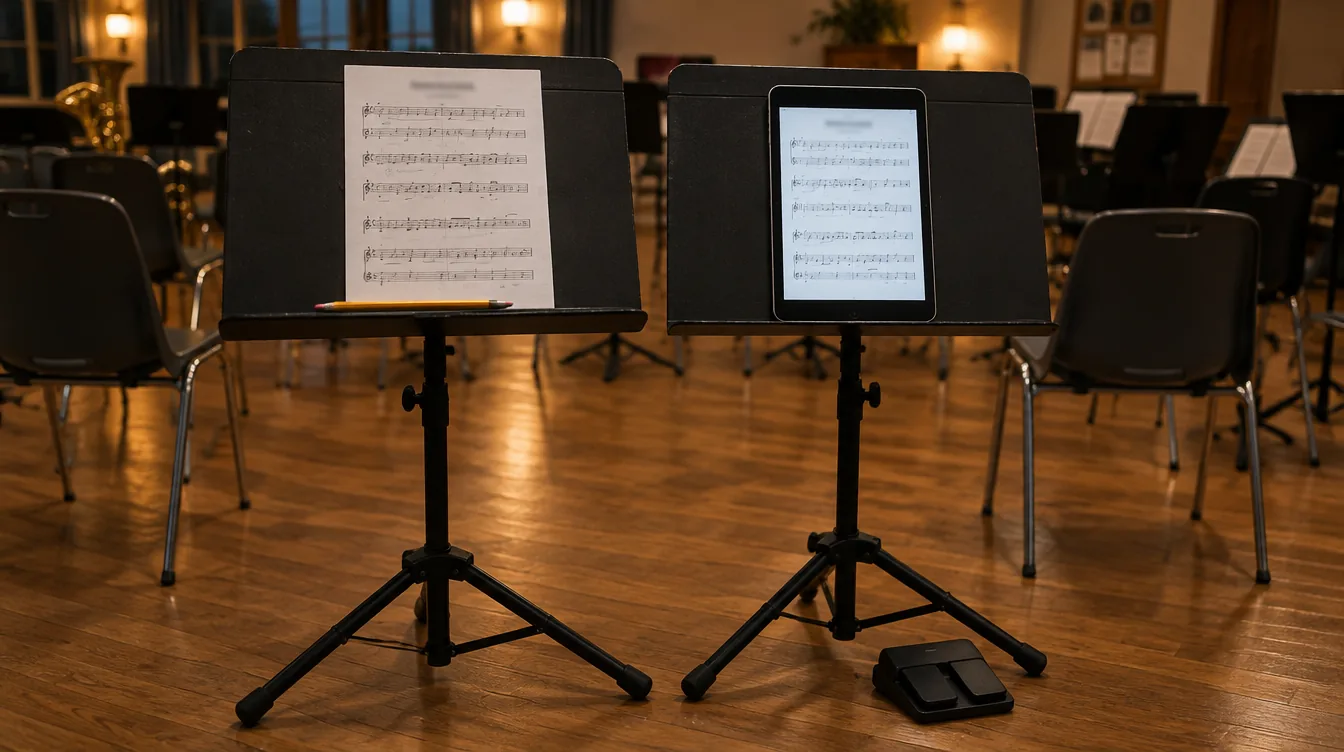
You can see it at any community band rehearsal: the second trumpet has printed everything into a binder, the alto sax opens the part on a tablet in the ensemble's app, and the principal clarinet turns pages on an iPad with a pedal, full of her own markings. Three musicians, three ways of reading, and still the same parts.
In this article you'll learn how to share sheet music online with your band, choir or orchestra. We compare the common methods, explain why the ensemble should mainly distribute and archive, and end with a checklist for file names and scanning.
Two jobs: distributing and reading
With digital sheet music, two things easily get mixed up:
- Distributing and archiving. Who gets which part? Where's the latest version? And can you still find the arrangement from the anniversary concert five years from now? This is the ensemble's job, usually the librarian's.
- Reading and annotating. Turning pages while playing, marking a breath, highlighting a repeat, enlarging a part. This belongs to the member, and everyone does it differently.
Many problems start when you try to squeeze both into one solution. If an ensemble makes everyone use the same full-featured reading app, that's awkward for members who prefer paper or just want to open their part. And anyone who already has their own sheet music app has to learn a second one. And an ensemble that organizes nothing centrally has five versions of the same part in circulation after one season.
How members use sheet music
Roughly speaking, every music group has three kinds of readers. All three are equally fine.
- The printer. Wants paper on the stand, with pencil markings. Often, but by no means always, an older member. Mostly needs a PDF that prints cleanly on letter or A4.
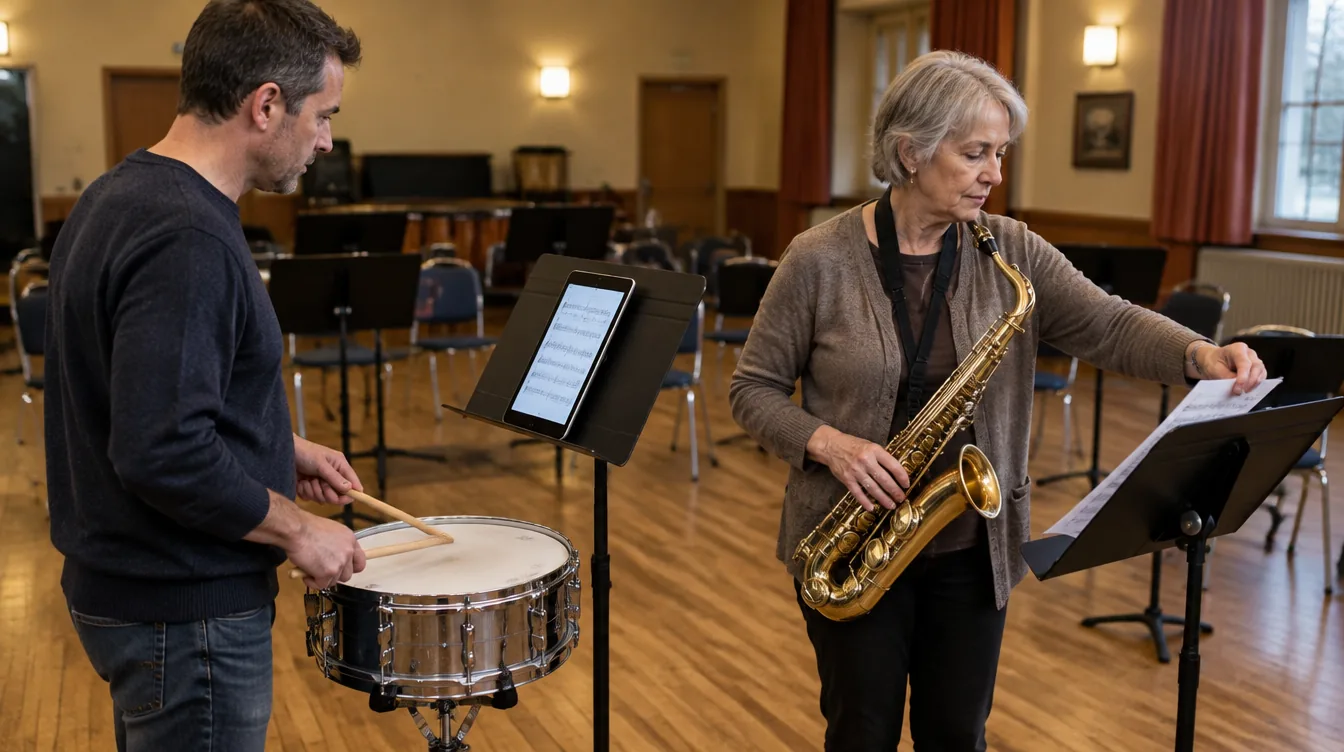
- The tablet reader. Puts a tablet on the stand and simply opens the part in the ensemble's app. Doesn't need annotations or a pedal, just wants to open the part with one tap, without searching. At home they sometimes check something on their phone.
- The tablet musician with their own app. Plays from an iPad or Android tablet, with a full-featured sheet music app such as forScore, MobileSheets or Newzik, and often a page-turn pedal. Annotates with a stylus, and keeps their own library there, often including music from a second group or from lessons. These are often younger musicians, and for them it matters whether a group has this well organized. See also how to recruit new members, including younger musicians.
What all of them have in common: they want the right part, in the latest version, without having to search for it.
Four ways to share sheet music online
1 Paper folders
The librarian copies the parts and hands them out in folders per member or per stand.
How to do it well:
- Give every folder a fixed table of contents and number the pieces.
- Add new pieces at a fixed moment, for example at the start of a concert cycle.
- Keep an original of each piece and the score in the library.
Where it falls short: copying and sorting costs the librarian hours. A correction or an extra piece means copying again. And a forgotten folder means a member without music.
2 Email or WhatsApp
Someone emails the PDFs around or posts them in the group chat.
How to do it well:
- Send each section only the parts it needs.
- Put the title and version in the file name.
- Send a correction as a new message with a clear subject line.
Where it falls short: PDFs get lost between other messages. After a few corrections nobody knows which version is right. New members miss everything sent before they joined. And there's no archive: whoever leaves takes the only copy with them.
3 A shared folder in Dropbox, Google Drive or OneDrive
The ensemble puts all parts in a shared folder, with a subfolder per piece.
How to do it well:
- Use a fixed folder structure: one folder per piece, one PDF per part.
- Agree that only the librarian adds or replaces files.
- Put a readme file in the main folder with the file naming rules.
Where it falls short: everyone sees everything, so the tuba player has to dig through twenty parts. Members aren't notified when something new arrives. You manage access person by person, and when the librarian steps down, the folder sometimes still lives in a personal account.
4 One sheet music app for the whole ensemble
The ensemble picks one reading app with annotations, shared stands and page turning, and everyone has to use it.
How to do it well:
- Choose an app that works on all your members' devices.
- Make sure members can export or print their parts.
- Plan an introduction evening, and appoint a go-to person for questions.
Where it falls short: the app has to work well for everyone, and that rarely happens. The member who prints gets nothing out of stylus annotations. The member who already uses their own sheet music app has to learn a second one and keep track of which markings live where. And the more buttons, the higher the barrier for members who just want to see their part.
| Right part per member | Always the latest version | Archive for later | Freedom for the member | |
|---|---|---|---|---|
| Paper folders | Yes, with a lot of work | No | Yes, in the cabinet | Paper only |
| Email or WhatsApp | Hard | No | No | Yes |
| Shared folder | No, everyone sees everything | Yes, if you replace files | Yes | Yes |
| One reading app for everyone | Often | Yes | Depends on the app | No |
Why annotating doesn't need to live in your ensemble's app
Some apps for music groups put a lot of emphasis on editing sheet music: annotations, highlights, turning pages with a pedal. That sounds appealing, but for an ensemble it's rarely the core job. Four reasons:
- Annotations are personal. One clarinetist marks breaths, another fingerings, a third nothing at all. There's no good way to handle that for everyone at once.
- Not every member wants it. For a member who just wants to open or print their part, drawing tools are mostly buttons in the way. A simple app lowers the barrier, especially for members who don't use apps every day. And members who find it easy to take part are more likely to keep coming. Read more in how to improve rehearsal attendance.
- Dedicated apps do it better. Several apps have done nothing but display and annotate sheet music for years, such as forScore, MobileSheets and Newzik. An ensemble app that adds this on the side rarely reaches that level.
- Musicians often play in more than one group. Someone who plays in a community band and a big band wants all their music and markings in one app of their own, not spread across the apps of two ensembles. And when someone leaves the group, their own markings simply stay theirs.
And instructions that do apply to everyone, like a cut from the conductor or a changed repeat? Put them in the PDF before you share it, and replace the old version. Then everyone has them, however they read.
So the ensemble doesn't need to decide how members read. Its job is to make sure the right part is ready in one place, and that members can easily open it, print it or send it to their own app.
Checklist: sharing sheet music digitally
Files
- One PDF per part, not one big PDF with the whole piece.
- A fixed file name, for example
Title – Part – v2.pdf(likeHighland Cathedral – Trumpet 2 in Bb – v2.pdf). - Use the same part names as on the sheet music, including the key (Bb, Eb, F).
- Scan in black and white at 300 dpi, portrait, straight and without shadowed edges.
- Check that the part is readable on a tablet and prints cleanly on paper.
Distributing
- Each member sees only the parts for their section, plus the full score for the conductor.
- Percussionists get all percussion parts: they often swap per piece.
- New members automatically get access to their section's repertoire.
- Members are notified when there's a new piece or a new version.
Archiving
- One person is responsible: the librarian.
- The library is in the ensemble's name, not in someone's personal account.
- Record the composer, arranger and year of each piece, so you can find it later.
- Keep the previous version when you replace a part.
- Keep one original per part and the score of every work in the cabinet.
Copyright
- Scanning, emailing and uploading sheet music are forms of copying, so copyright applies. Only share parts your ensemble is allowed to copy, and check the terms of the publisher or rental library. Rules and licenses differ per country; your national music association can tell you what applies to you.
Sharing sheet music with Orchesi
Orchesi deliberately does the ensemble's part: distributing and archiving. The sheet music manager adds each piece to the library, with composer, arranger and a part per instrument, and gives access to all members, to groups or to individual members. Choose section-based access, and each member sees only their own parts, while percussionists see all percussion parts. Members get a notification when there's new sheet music for them. Replace a part, and everyone sees the new version right away; the previous one is kept. How a member reads is up to them: open it in Orchesi, print it, or send it to their own sheet music app with one tap. See how sheet music works in Orchesi. Is your music in a shared folder today? Soon you'll be able to import sheet music from Google Drive, OneDrive and Dropbox.