


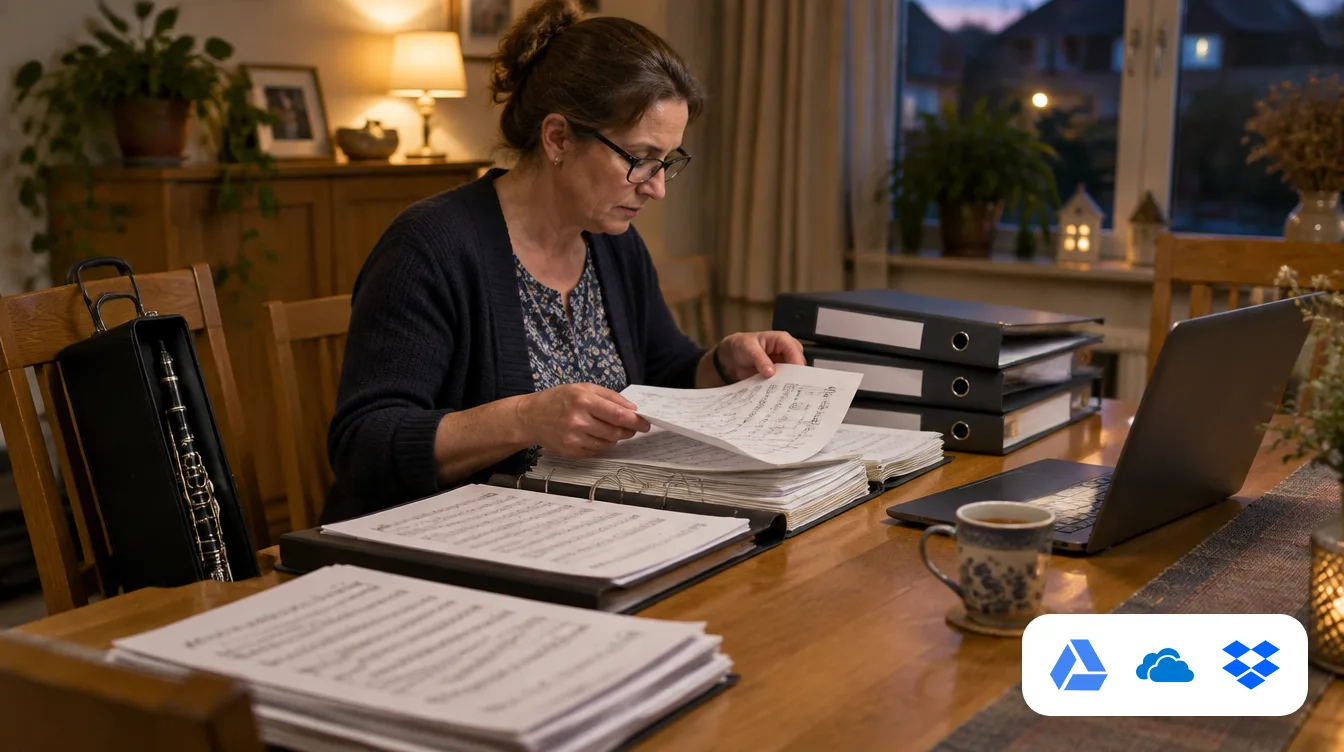
Many associations keep their sheet music in a shared folder. Soon, when you switch to Orchesi, you won't need to download it file by file and upload it again: we're working on a connection with Google Drive, OneDrive, SharePoint (Microsoft Teams) and Dropbox.
What's coming?
- Pick single files or entire folders straight from your cloud storage.
- Orchesi suggests which piece and part each file belongs to, based on folder and file names. You check and adjust.
- You see in advance how much storage the import will use.
- Files are copied into Orchesi. There's no sync, and your original folder stays as it is.
You import in the web app, in PDF, JPG or PNG. As soon as it's ready, we'll announce it in the app and explain step by step how it works in the help center.
More about sheet music in Orchesi.