
Members
Your association’s agenda, sheet music and news, without the searching.
-
 Reply with a single tap
-
Your own parts at hand
-
Vote in polls

Features
From the weekly rehearsal to the anniversary concert, Orchesi takes care of the agenda, the sheet music, the members and the communication. That leaves more time for the music.
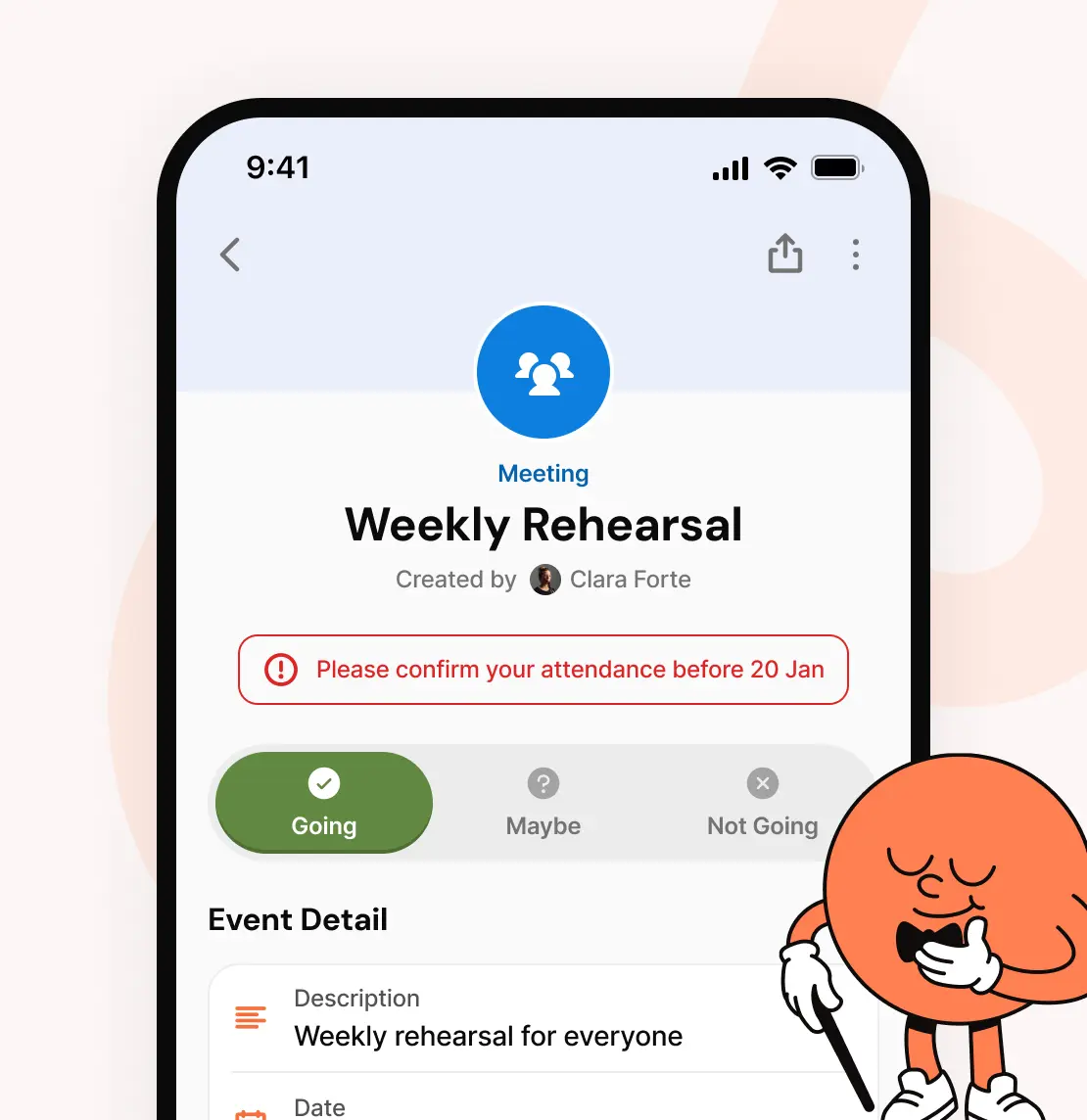
Plan rehearsals, concerts and other activities for the whole association, a group, a section or just a few members. Members only see the events they’re invited to, and reply with a single tap.
Weekly rehearsals as a series, changed or cancelled in one go
A response deadline you choose, per event or for the whole association
Take attendance during the rehearsal
Tasks for an event, like setting up or making the coffee
Every event in your members’ own calendar too
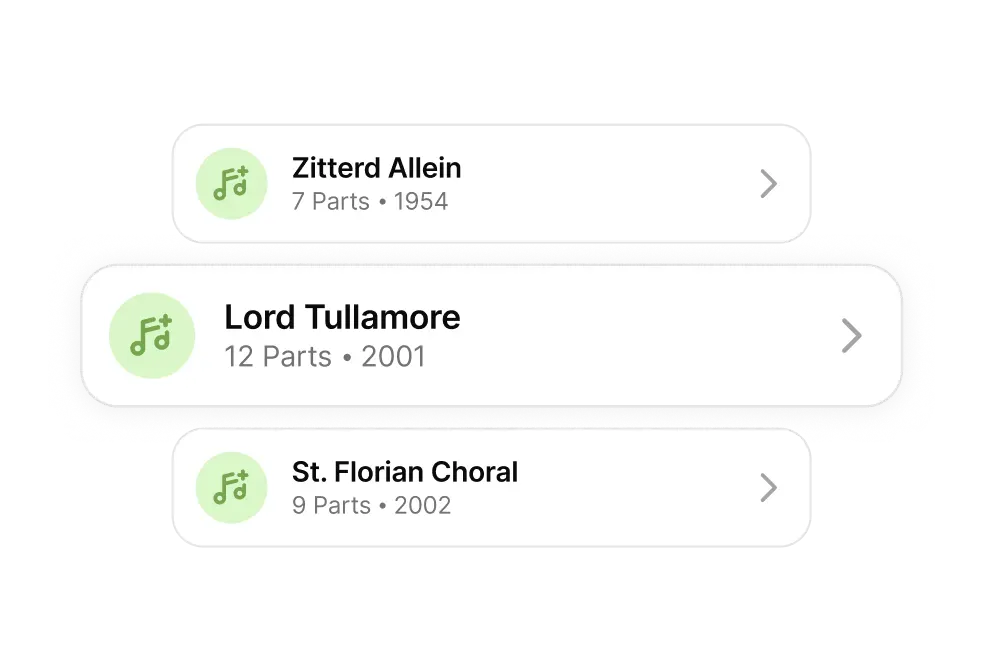
Add your repertoire to Orchesi once, with a part for each instrument. Members only get the music they have access to, and always have it with them.
Give access to a member, a group, a section or a whole setlist at once
Access through a concert ends by itself a day after the concert
Setlists that only the players involved can see
Search by title, composer and year
PDFs and images open right in the app
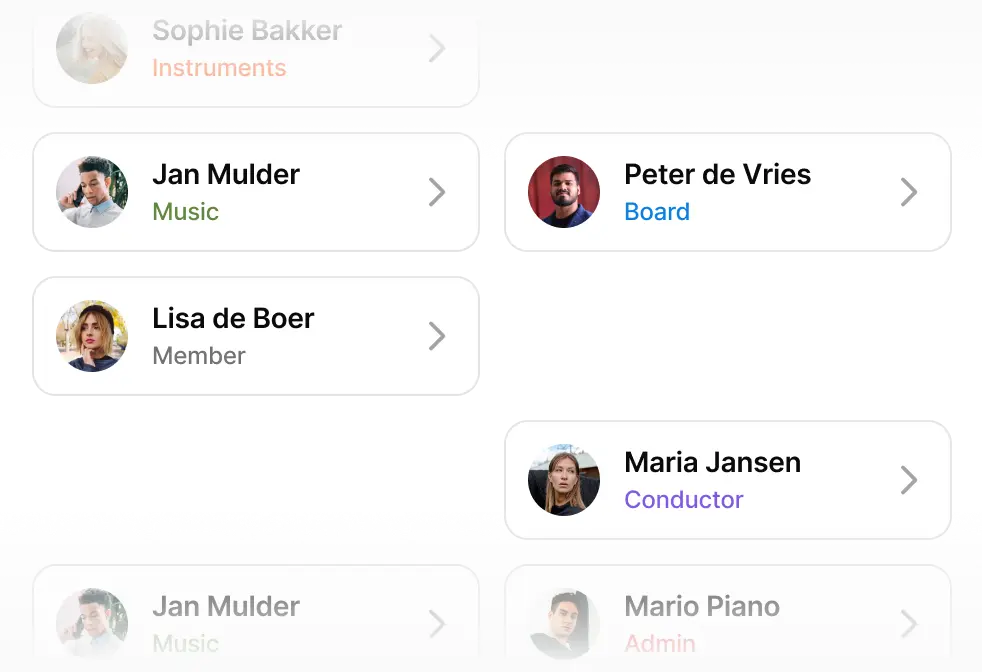
One up-to-date member list, organised in the groups and sections that suit you. Roles give everyone exactly the rights their job needs.
Invite members by email or with an invite code
Approve or decline requests to join
Roles such as conductor, board member, agenda manager and sheet music manager
Members let you know themselves when they’re ill or on holiday
Your association’s contacts, like venues and suppliers, in one list
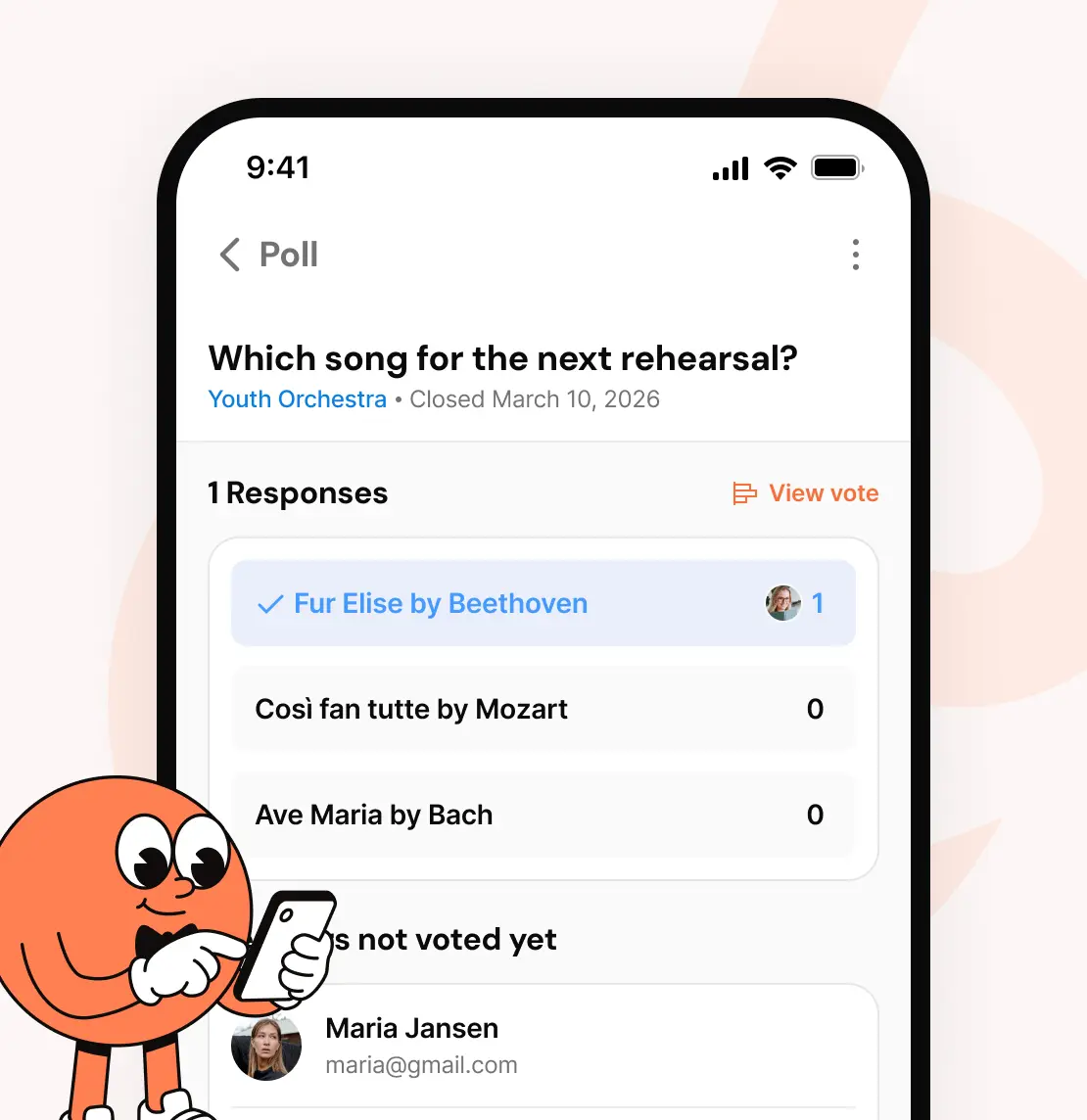
Fewer messages in the group chat, more clarity. News, polls and notifications reach exactly the people they’re meant for.
A notification for new, changed or cancelled events
Reminders at the moment each member chooses
Polls for everyone, a group, a role or a few members
News posts for the whole association
Links in emails open the right page in the app
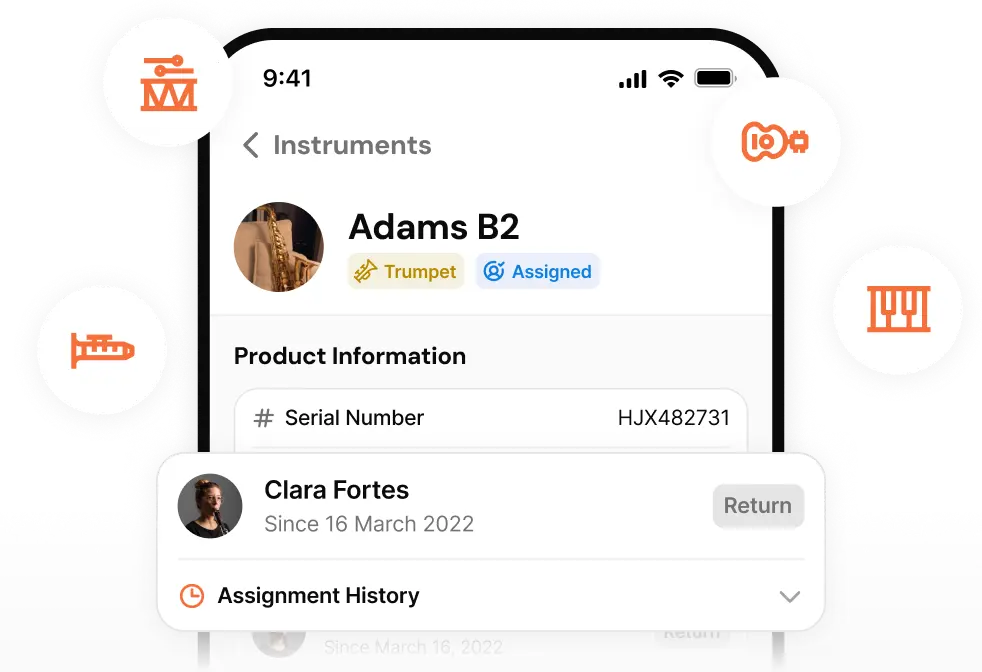
Know which instruments the association owns, who plays them and when they were last serviced.
Serial number, status and documents such as invoices and warranties
Lend an instrument to a member, with the full loan history
Keep track of maintenance and repairs
Members can keep track of their own instruments too
Need a stand-in for the concert? Invite them as a guest for one or more events. Their access ends by itself once the last event is over.
Guests don’t count towards the price
An overview of current and past guests
No tidying up afterwards

Who it’s for
Everyone sees what fits their job. Members don’t have to dig through admin menus, and the board has everything at hand.
Your association’s agenda, sheet music and news, without the searching.
Reply with a single tap
Your own parts at hand
Vote in polls
Put the programme together and know who’s coming in advance.
Setlists and repertoire
Plan rehearsals and concerts
Take attendance
Everything it takes to run the association, in one app.
Invite and organise members
Hand out roles and rights
Guests at no extra cost
Share the work without giving everyone access to everything.
Agenda manager
Sheet music manager
Instrument manager
Start with your board or a small group first and invite the rest of your members when you're ready.



We use cookies
We would like to use analytics cookies to understand how visitors use this website, so we can improve it. We only place them if you agree. Read more in our cookie policy.
Necessary
Remembers your cookie choice. Always on.